

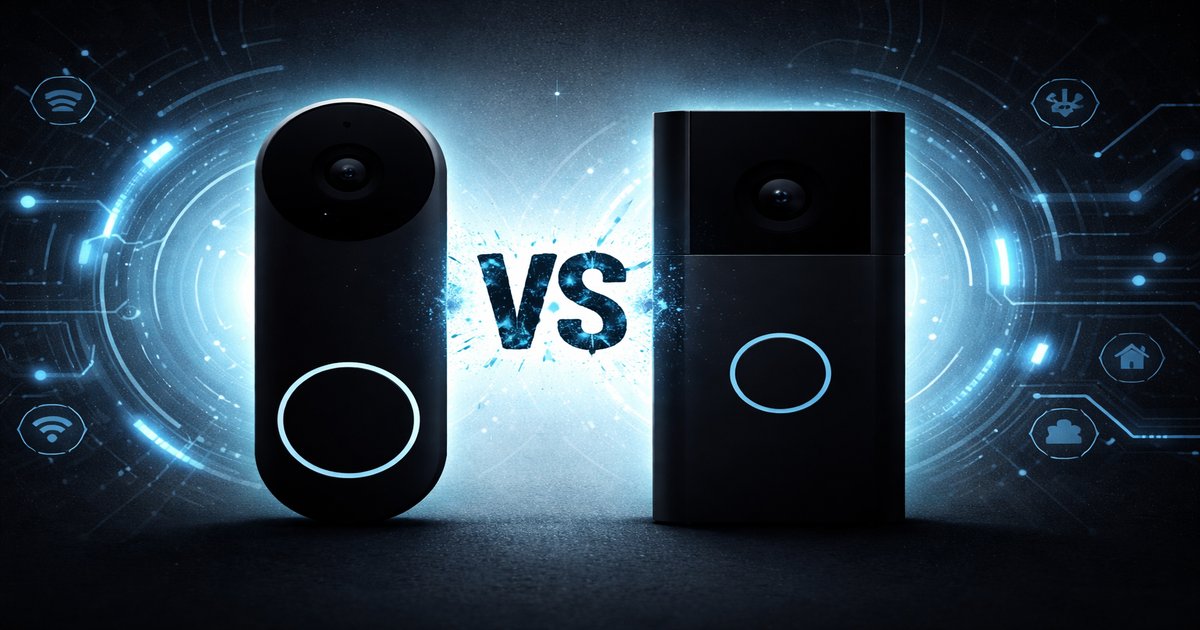
So, you’re ready to amp up your home security with a smart doorbell, but standing at the crossroads between Google Nest Doorbell and Ring might feel like choosing between two equally tempting desserts. Let’s break it down so you can pick the one that fits your needs and lifestyle like a glove.
| Feature | Google Nest Doorbell | Ring Doorbell |
|---|---|---|
| Video Resolution | 960 x 1280 HD | 1080p HD |
| Field of View | 145° | 155° |
| Power Options | Battery or Wired | Battery or Wired |
| Smart Home Integration | ✓ (Google Assistant) | ✓ (Amazon Alexa) |
| Subscription Required for Full Features | ✓ | ✓ |
| Pre-Recorded Responses | ✓ | ✗ |
| Night Vision | HDR | Infrared |
✅ google nest doorbell Pros
- Seamless integration with Google Home ecosystem.
- Pre-recorded responses to handle visitors when you’re busy.
- HDR video for better night-time visibility.
❌ google nest doorbell Cons
- Lower video resolution compared to Ring.
- Requires Google Nest Aware subscription for full functionality.
✅ ring Pros
- Higher video resolution for crisper images.
- Broader field of view to capture more of the doorway.
- Compatible with a wide range of third-party smart home devices.
❌ ring Cons
- Subscription needed for cloud storage and advanced features.
- No pre-recorded response feature to manage visitors.
Performance
Google Nest Doorbell and Ring both deliver solid performance, but they cater to different priorities. Nest’s HDR video is a game-changer for night-time clarity, making it ideal if you want to see who’s at your door without squinting at a grainy image. Meanwhile, Ring’s 1080p video resolution means you’ll get sharper images during the day. If you’re scrutinizing every detail of the FedEx guy dropping your package, Ring’s higher resolution might suit you better.
Build Quality
Both doorbells are built to withstand the elements, but Google Nest Doorbell has a slight edge in design aesthetics. It blends more naturally with modern home decor, whereas Ring has a more utilitarian look. The Nest feels solid and looks slick, a choice for those who value form as much as function. Ring, however, does not compromise on durability; it’s robust and feels like it can take a beating from the weather or a particularly aggressive visitor.
Value
When it comes to value, both these doorbells require subscriptions to unlock their full potential. Google Nest Aware and Ring Protect both add recurring costs to your budget, but they offer valuable features. Nest’s subscription feels more integrated with its ecosystem, giving you intelligent alerts and familiar face recognition. Ring’s subscription offers more flexibility in device compatibility and longer video history. If you’re already in the Google ecosystem, sticking with Nest might save you headaches down the line.
What some reviews gloss over is the hidden costs behind these products. Both devices have a base price, but to truly get the most out of them, you’ll need their respective subscriptions. Also, if you’re not already invested in Google or Amazon ecosystems, the integrations might feel lacking or cumbersome.
Our Final Verdict: Which One Should You Buy?
If you’re deeply embedded in the Google ecosystem and prioritize aesthetic design and night-time video quality, the Google Nest Doorbell is your go-to. On the other hand, if you crave higher video resolution and a wide field of view, and you’re already using Alexa, the Ring Doorbell will fit your needs like a glove. Choose based on your ecosystem and feature priorities.
Is the Google Nest Doorbell compatible with non-Google smart home systems?
Google Nest Doorbell works best within the Google ecosystem, but you can use it with other smart devices through third-party apps, albeit with limited functionality.
How long does the battery last on both doorbells?
Battery life varies based on usage, but typically, Ring’s battery lasts 6-12 months, while Google’s can last up to 6 months. Both depend heavily on video recording frequency and motion detection settings.
Do I need a subscription for basic functionality?
No subscription is required for basic live view and motion alerts on both devices, but subscriptions unlock cloud storage and advanced features.
