

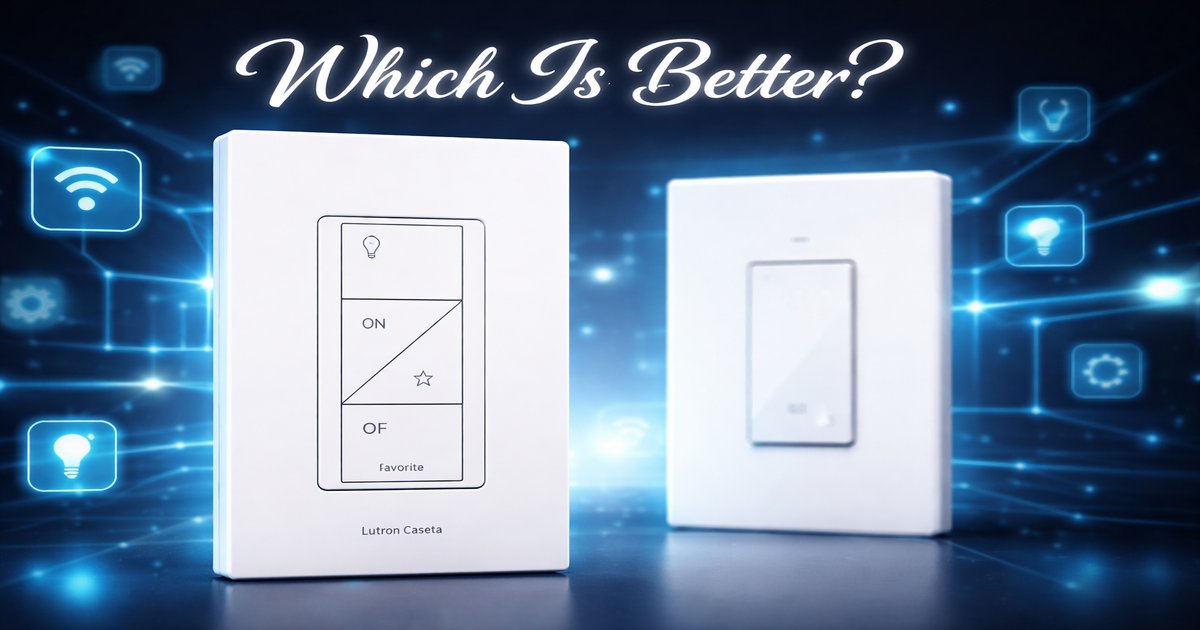
You’ve finally decided to dive into the world of smart home lighting, but the options feel endless. Between Lutron Caseta and TP-Link Kasa, you’re caught in a tug-of-war between reliability and affordability. Let’s break it down and see which one best fits your smart home aspirations.
| Feature | Lutron Caseta | TP-Link Kasa |
|---|---|---|
| Hub Required | ✓ | ✗ |
| Voice Control | ✓ | ✓ |
| Dimming Capability | ✓ | ✓ |
| Energy Monitoring | ✗ | ✓ |
| Integration with Smart Home Systems | ✓ | ✓ |
| Wi-Fi Connection | ✗ (requires hub) | ✓ |
| Price Range | $$$ | $$ |
✅ lutron caseta Pros
- Rock-solid reliability and performance.
- Extensive integration with major smart home platforms.
- Exceptional dimming capabilities without flicker.
❌ lutron caseta Cons
- Higher price point compared to competitors.
- Requires a dedicated hub for operation.
- No energy monitoring capability.
✅ tp link kasa Pros
- No hub required; connects directly to Wi-Fi.
- Built-in energy monitoring for better power management.
- Affordable price point for budget-conscious buyers.
❌ tp link kasa Cons
- Occasional connectivity issues.
- Limited dimming range compared to Lutron.
- Fewer third-party integrations than Lutron Caseta.
Performance: Reliability vs. Convenience
Lutron Caseta shines in performance with its dependable reliability, especially if you’re keen on setting complex routines and schedules without a hiccup. It’s like the well-oiled machine of smart lighting — it just works, and works well. However, the need for a hub might be a deal-breaker for you if you prefer a plug-and-play setup. TP-Link Kasa, on the other hand, offers the convenience of direct Wi-Fi connectivity, making it accessible and easy to set up. Just be prepared for the occasional connectivity glitch, especially if your Wi-Fi is spotty.
Build Quality: Robust vs. Economical
Lutron Caseta is built to last. The materials feel premium, and the switches have a satisfying tactile feedback that screams quality. If you’re investing in a long-term smart home setup, Caseta’s build quality is a major plus. TP-Link Kasa, while not as robust, provides decent build quality for its price. The switches are functional, but they don’t have the same premium feel. If you’re someone who doesn’t mind a bit of plastic in exchange for savings, Kasa is perfectly fine.
Value: Features vs. Cost
When it comes to value, Lutron Caseta offers a host of features that justify its higher price — but only if you’re going to use them. If you’re just dipping your toes into smart lighting, TP-Link Kasa offers a compelling package at a fraction of the cost. It’s got essentials like voice control and energy monitoring without needing a hub. If you’re looking for value without sacrificing too much on features, Kasa strikes a nice balance.
Lutron Caseta’s need for a hub means extra cost and space, which could be a hassle if you’re limited on outlets. Meanwhile, TP-Link Kasa’s Achilles’ heel is its reliance on a strong Wi-Fi signal; if your internet’s unstable, so is your lighting. Also, Kasa’s app could use a smoother user interface — it’s not a deal breaker, but it can be frustrating if you’re used to slicker apps.
Our Final Verdict: Which One Should You Buy?
If you’re looking for a top-tier smart lighting solution with impeccable reliability and don’t mind spending a bit more (and setting up a hub), Lutron Caseta is your go-to. Perfect for tech-savvy users who want seamless integration with their existing smart home ecosystem. On the other hand, if you’re a budget-conscious newbie wanting a straightforward, hub-free setup with the added perk of energy monitoring, TP-Link Kasa is a smart choice. It’s ideal for those who prioritize cost-effectiveness and ease of use over high-end features.
Can I use Lutron Caseta or TP-Link Kasa with my existing light fixtures?
Yes, both systems are designed to work with most standard light fixtures. Just ensure compatibility with dimmable bulbs if you plan to use the dimming feature.
Do I need a professional to install these smart switches?
For most DIY enthusiasts, installation is straightforward and can be done without professional help. However, if you’re unfamiliar with electrical wiring, hiring an electrician is a safer bet.
How does each system handle power outages?
Lutron Caseta will retain your settings thanks to its hub, while TP-Link Kasa may require re-connection to Wi-Fi but retains settings on the app.
