

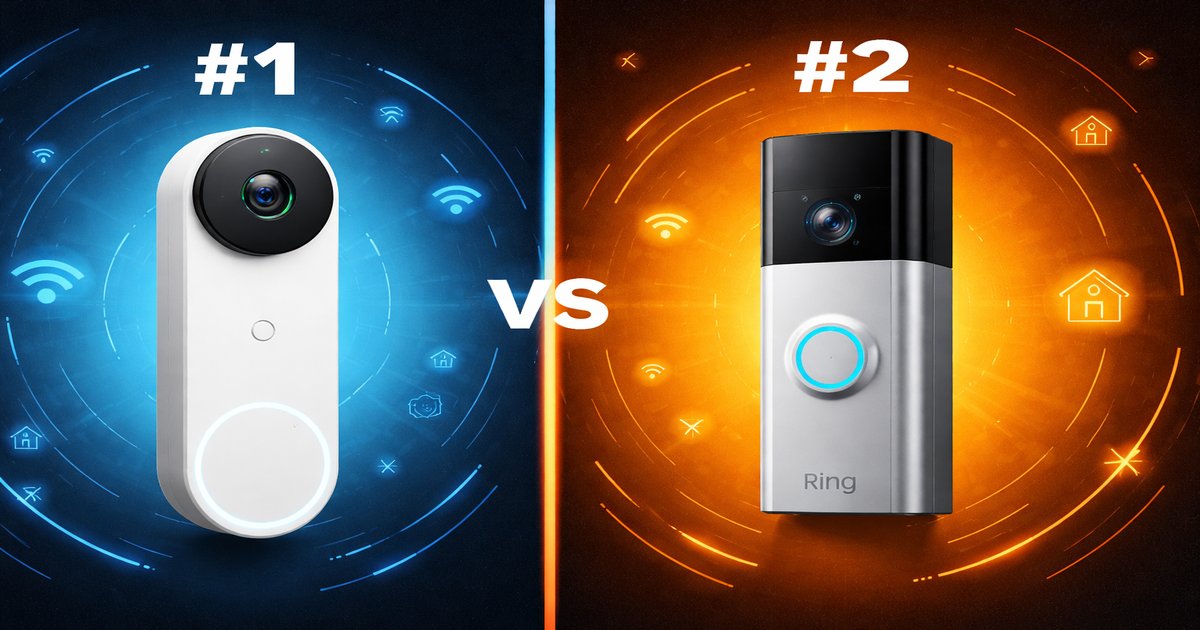
You’re at work and your phone buzzes. Someone’s at your door, but you’re not expecting anyone. Having a video doorbell like the Google Nest Doorbell or the Ring Pro can easily show you who it is, and more importantly, let you decide if you should care.
| Specification | Google Nest Doorbell | Ring Pro |
|---|---|---|
| Video Quality | 960 x 1280 HD | 1080p HD |
| Field of View | 145° | 160° |
| Power Source | Battery & Wired | Wired |
| Smart Home Integration | ✓ | ✓ |
| Cloud Storage | Subscription Required | Subscription Required |
| Night Vision | ✓ | ✓ |
✅ google nest doorbell Pros
- Dual power options give flexibility with installation.
- Google Assistant integration is seamless.
- Facial recognition feature is a nice touch.
❌ google nest doorbell Cons
- Lower video resolution than competitors.
- Requires subscription for full functionality.
✅ ring pro Pros
- Superior video quality at 1080p HD.
- Wider field of view captures more action.
- Integration with a wide range of smart home devices.
❌ ring pro Cons
- Must be wired, limiting installation options.
- Subscription model is necessary for video history.
Performance: Video Quality and Field of View
The Ring Pro definitely takes the cake in terms of sheer video quality. With a 1080p HD resolution, you’re getting crystal-clear images that can make a real difference when identifying visitors or, worse, potential intruders. On the other hand, the Google Nest Doorbell’s 960 x 1280 resolution is decent but noticeably less sharp when you zoom in on details. The Ring Pro also offers a wider 160° field of view, ensuring you capture more of what’s happening around your doorstep. If clarity and coverage are your top priorities, the Ring Pro is hard to beat.
Installation and Power Options
The Google Nest Doorbell is more versatile when it comes to installation. It gives you the option to go either wired or wireless with its battery feature, which is perfect if you don’t want to deal with rewiring or are renting and need a more temporary setup. The Ring Pro, however, is strictly wired, which can be a deal-breaker if you don’t already have the necessary electrical setup. This can be cumbersome and costly if you’re not handy with tools or need professional installation.
Smart Features and Integration
Both devices offer smart home integration, but they cater to different ecosystems. The Google Nest Doorbell integrates seamlessly with Google Assistant and other Google Home devices, making it the go-to choice if you’re already invested in the Google ecosystem. The Ring Pro, meanwhile, plays well with a broader range of smart home devices, including Amazon Alexa. Both require subscriptions for cloud storage, but Google sweetens the deal with features like facial recognition, although it comes at a price.
The hidden costs can add up fast. Both systems require subscriptions for cloud storage, and without it, you’re missing out on crucial features like video history. The Google Nest Doorbell’s battery, while convenient for installation, means you’ll be charging it more often than you’d like if you have a lot of activity at your door.
Our Final Verdict: Which One Should You Buy?
If you’re someone who values crisp video quality and a wide field of view, and you don’t mind a bit of wiring work, the Ring Pro is your best bet. It’s ideal for tech enthusiasts with a knack for DIY and a smart home setup beyond just Google devices. On the flip side, if you want a flexible installation and are already in the Google ecosystem, the Google Nest Doorbell is perfect. It’s great for renters or anyone who wants a no-fuss setup.
Can I install the Google Nest Doorbell without wiring?
Yes, the Google Nest Doorbell has a battery option, making it perfect for wireless installation.
Does the Ring Pro work with smart home systems other than Alexa?
Yes, the Ring Pro is compatible with a range of smart home devices, not just Amazon Alexa.
How often do I need to recharge the Google Nest Doorbell battery?
This depends on usage, but expect to recharge roughly every 2-3 months with moderate activity.
