

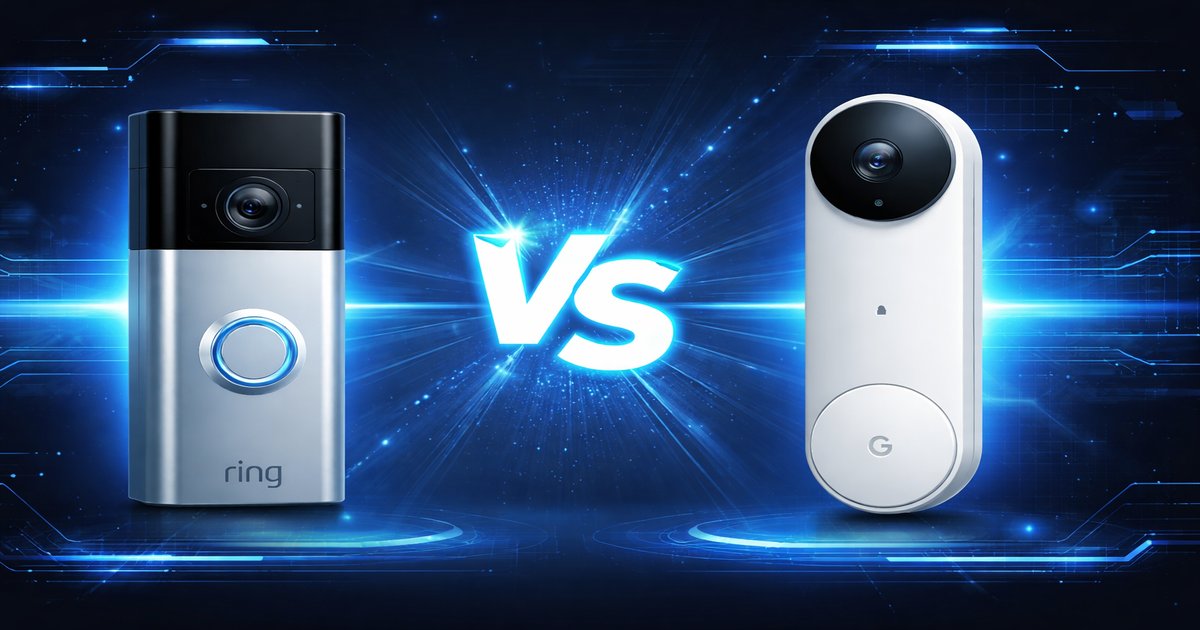
You’ve finally decided to upgrade your home security, but now you’re stuck deciding between a Ring or a Google Doorbell. Both promise to keep your front porch under surveillance, but how do you know which one actually delivers peace of mind without a hitch?
| Feature | Ring | Google Doorbell |
|---|---|---|
| Resolution | 1080p | 1080p |
| Field of View | 155° | 160° |
| Night Vision | ✓ | ✓ |
| Smart Assistant Integration | Alexa | Google Assistant |
| Subscription Required for All Features | ✓ | ✓ |
| Hardwired Option | ✓ | ✓ |
| Battery Option | ✓ | ✗ |
✅ ring Pros
- Flexible power options: battery or hardwired.
- Easy integration with Alexa for voice commands.
- Robust community support and frequent firmware updates.
❌ ring Cons
- Subscription required for video storage and advanced features.
- Occasional connectivity issues with Wi-Fi.
✅ google doorbell Pros
- Excellent video quality with HDR support.
- Seamless integration with Google Home and Assistant.
- Smart AI features for recognizing familiar faces.
❌ google doorbell Cons
- No battery option, must be hardwired.
- Subscription needed for full access to features like video history.
Performance and Video Quality
Both devices offer 1080p video quality, but Google Doorbell pulls ahead with HDR support, producing clearer images in tricky lighting conditions. This can be a lifesaver when you’re trying to make out details in shadows or bright sunlight. Ring, however, compensates with a slightly wider field of view, giving you a broader scope to monitor. If you’re big on picture quality, Google has the edge. But for those who prioritize seeing more, Ring might be the better fit.
Smart Home Integration
When it comes to smart home integration, your existing ecosystem plays a huge role. If you’re already invested in Amazon’s ecosystem, the Ring is your pick; it seamlessly integrates with Alexa and other Amazon devices. On the flip side, Google Doorbell is the obvious choice for those entrenched in Google’s ecosystem, offering smooth compatibility with Google Assistant and Home. Both integrate well but make sure your choice aligns with your current setup to avoid unnecessary hassle.
Installation and Power Options
Ring offers more flexibility with both battery and hardwired options, making it a versatile choice for renters or those who don’t want to fuss with wiring. Google Doorbell requires a hardwired connection, which could be a dealbreaker if you’re not comfortable with electrical work. Installation is straightforward with both, but your comfort with DIY and electrical work may steer your choice.
What most reviews won’t tell you is the hidden cost of subscriptions. Both devices require them to unlock full features, which can add up over time. Also, real-time notifications can sometimes lag, especially if your Wi-Fi isn’t top-notch. So, don’t expect instant alerts every single time.
Our Final Verdict: Which One Should You Buy?
If you’re looking for flexibility and already use Alexa, go for the Ring. It offers more power options and a wider view. On the other hand, if you’re all-in on Google and prioritize video quality, the Google Doorbell is your match. Just be prepared to handle the hardwiring yourself.
Can I install Ring without professional help?
Yes, Ring offers both battery and hardwired options, making it a simple DIY project for most users.
Does Google Doorbell work with Alexa?
No, Google Doorbell is designed to work seamlessly with Google Assistant and Home but not with Alexa.
Is the subscription worth it?
If you want access to full video history and advanced features like facial recognition, the subscription is necessary for both devices. Otherwise, you’ll miss out on key functionalities.
